
Affiliate disclosure: we may earn a commission from links in this post, at no extra cost to you. Learn more.
Malwarebytes has been a household name in PC security for over a decade — but the security landscape has changed. Windows Defender is now genuinely good. Bitdefender and Norton bundle everything into a single suite. Where does Malwarebytes fit in 2026?
Short answer: as a secondary scanner, not a primary antivirus. Here’s why.
Quick verdict
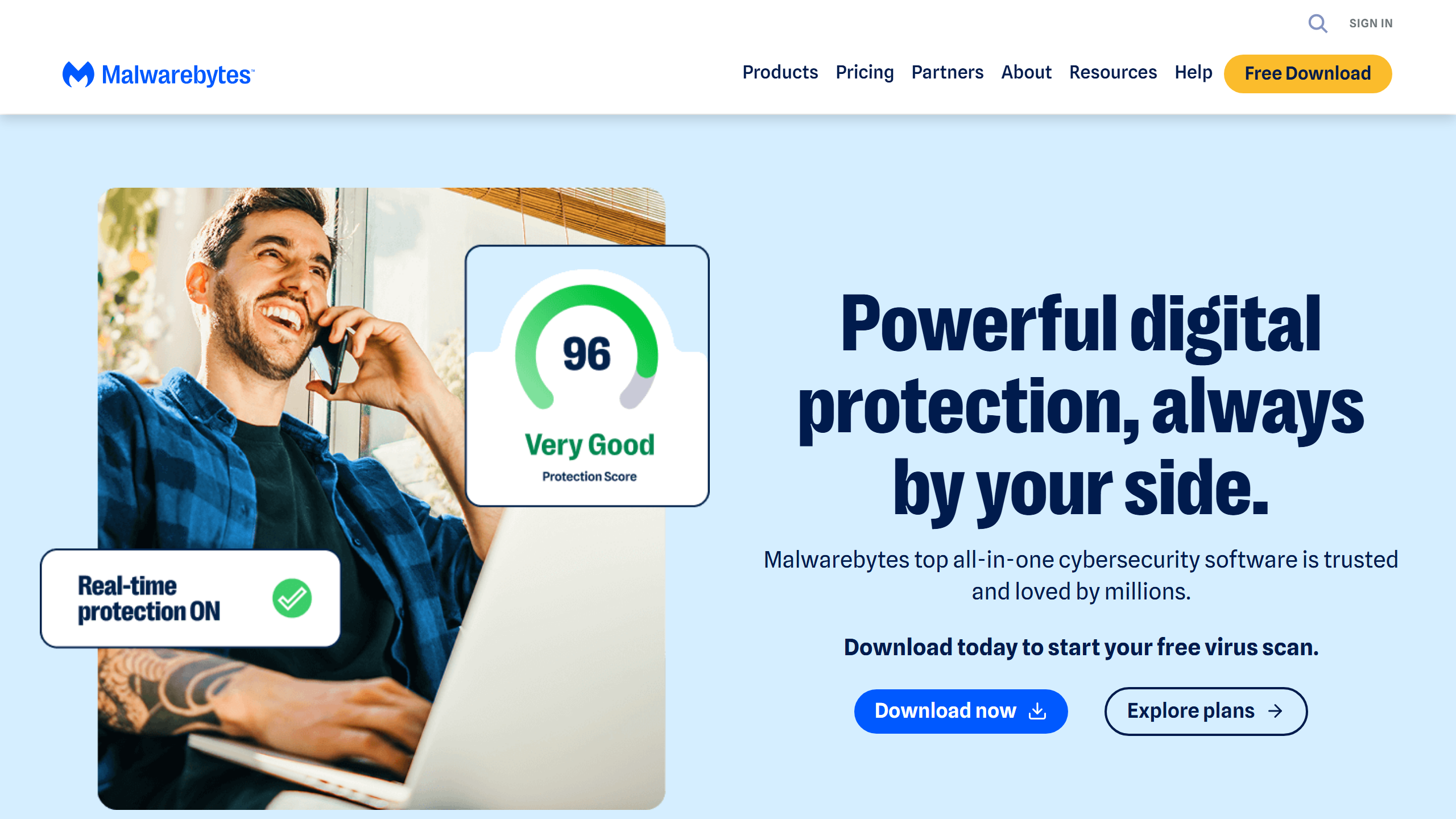
- 🏆 Best use: On-demand second opinion scanner alongside your main antivirus
- 🆓 Best value: Free version for occasional manual scans
- 💰 Best premium: Malwarebytes Premium ($3.33/mo) if you want real-time protection without replacing your main suite
How we compared
What Malwarebytes does well
Second-opinion scanning is genuinely useful. Even the best antivirus misses things. Running a Malwarebytes scan once a week catches adware, PUP (potentially unwanted programs), and browser hijackers that your main suite sometimes lets through.
The free version is genuinely free. No time limit, no critical features locked. You just have to scan manually — real-time protection is the only thing you pay for.
Excellent PUP detection. If you’ve ever installed a free program that came bundled with a toolbar or a “system optimizer” you didn’t ask for, Malwarebytes will find it. Its PUP detection is best-in-class.
What Malwarebytes doesn’t do well
Not a replacement for a proper antivirus. Independent lab tests (AV-Test, AV-Comparatives) consistently rate Malwarebytes below Bitdefender, Norton, and ESET for core malware detection. It’s good, but not primary-antivirus good.
No web protection in the free version. The free tier is scan-only. No real-time web filtering, no phishing protection, no email scanning.
The Premium upsell is aggressive. Expect pop-ups and upgrade prompts unless you pay.
Duplicate protection. If you already run a full security suite, Malwarebytes Premium overlaps with features you’re already paying for.
Malwarebytes Free vs Premium
| Feature | Free | Premium ($3.33/mo) |
|---|---|---|
| On-demand scanning | ✅ | ✅ |
| Real-time protection | ❌ | ✅ |
| Web protection | ❌ | ✅ |
| Ransomware protection | ❌ | ✅ |
| Scheduled scans | ❌ | ✅ |
| Upgrade prompts | ✅ (frequent) | ❌ |
How to use it (the smart way)
The optimal setup for 2026:
1. Primary antivirus: Bitdefender, Norton, or ESET
2. Secondary on-demand scanner: Malwarebytes Free
3. Schedule: Run a Malwarebytes scan once a week (or when you feel something’s off)
This gives you full-time protection from a top-tier suite plus a second opinion scanner to catch what slips through. No overlap, no performance hit.
Verdict
Malwarebytes is not worth it as your primary antivirus in 2026. For that money, Bitdefender or Norton offer far better protection. But as a free second-opinion scanner running alongside your main suite? Absolutely worth having in your toolkit.
If someone recommends Malwarebytes as your main protection, they haven’t checked AV lab results in the last few years.